Your phone is ringing and the number means nothing to you. Answer and you have no idea who it is, ignore it and you worry you missed something real. Turkcaller looks the number up while it is still ringing and puts the answer on your screen.
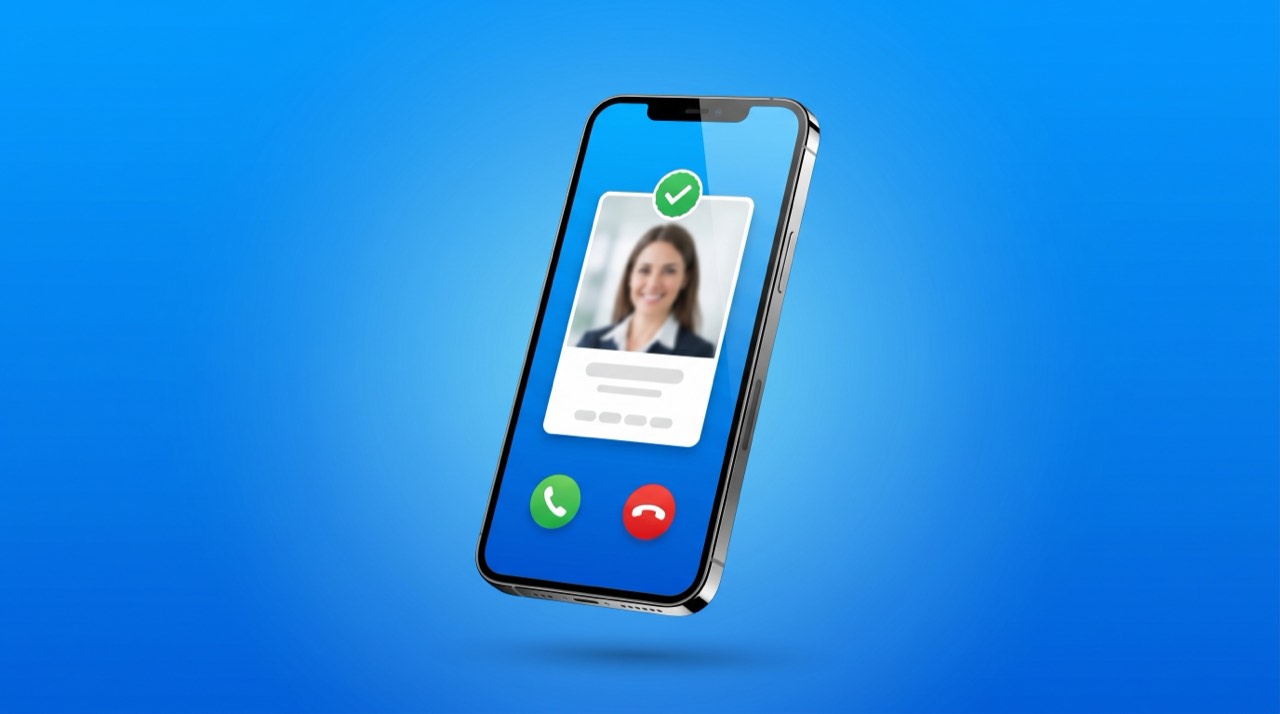
Do not guess, look at the screen. Turkcaller looks the number up as the call arrives and puts a card at the top before you pick up. That card is your answer.
None of this needs your call log permission. Turkcaller only sees the number ringing right now.
Whatever Turkcaller puts on the call card and the result screen is your decision. It is that short.
| What you see | What it means | What to do |
|---|---|---|
| High risk | Many people reported this number | Do not answer, block it |
| Likely spam | There are reports, the count is still low | Do not answer, look it up later |
| Looks safe | No reports, records are clean | You can answer |
| Verified business | The number is listed in the business directory | You can answer |
| No information | No record found for this number | Let it ring, wait for a message |
The only thing needed for that card to appear is Turkcaller installed.
Calling back is not a free move. It proves your number is live and answered. So look first, dial second.
Block and report sit on that same screen, so you finish the decision where you made it.
There is a number in your call history and no name next to it. This is the easiest problem to close.
An example: a missed call from 0555 000 00 00. If the result says high risk with a report count, there is nothing to return. Block it and move on.
Voicemail is a good filter. People with real business say what they want, automated calls do not.
Repeated calls are designed to wear you down. Instead of deciding every time, make one setting once.
Corporate lines listed in the business directory are recognised and let through. If the lookup returns nothing, the call is still blocked.
A phone ringing at 3am is rarely worth waking up for. Calls that ring once and hang up are never worth returning.
You also choose what happens to a blocked call.
Silence only suits people who want an undisturbed night and a look at the list in the morning.
Money lost on these calls does not come back, so the rule is short: a call that rushes you is a call you end. The caller frightens you and pushes you to act before you think.
A message usually arrives right after these calls. With Turkcaller as your default messaging app, the suspicious ones land in a separate folder instead of your inbox.
You block a number wherever you happen to see it. No separate screen to hunt for, and every route writes to the same list.
Blocking is not permanent. Remove the number from that list at any time and it can reach you again.
When you report a number, the report goes into the community records, and the next person it calls sees the warning while their phone is still ringing.
You set it up once and it keeps working on its own.
In the free version, the caller name and spam warning on incoming calls never run out. Manual searches have a daily allowance, and when it is used up, caller ID keeps working on its own daily allowance.
Let the screen decide. If Turkcaller shows a name or a verified business, answer. If there is a spam warning, do not. If there is nothing at all, let it ring. Real callers try again or leave a message.
Look it up first. The country, carrier, report count and comments usually settle it. If the caller claimed to be an institution, dial that institution's official number instead.
It is there to make you call back, which tells the other side your number is live. Do not return those calls. Look the number up and block it if needed.
The card that appears right after the call shows the caller details, and missed calls get one too as long as the lookup found something. To check later, type the number into the Search tab. As your default phone app, Turkcaller already lists call history with names.
Yes. Type it into the Search tab and you see the spam report count, the name other people saved it under and any business details. On an incoming call, Turkcaller looks the number up before you answer. It does not need your call log permission for that, only the number ringing at that moment.
Block it once instead of deciding on every call. If the numbers change but the story stays the same, report each one. To silence everyone who is not in your address book, turn on the switch that blocks callers not in contacts on the Protect screen.
That is your choice. Reject gives the caller a busy or rejection tone. Reject silently keeps them hearing ringing, so they cannot tell. Silence only lets the call in quietly as a missed call.
Message classification runs on your device by default. Server assisted analysis is a separate switch, and depending on your install it may already be on. You can see its state on the Protect screen and turn it off whenever you want. While it is on, the message text is sent to the server for analysis. Separately, only the sender number is reported for spam counting, and the content of your messages is not part of that.
Yes, with Premium. You get a notification when someone looks your number up, along with no ads, a higher daily allowance, the gold badge and incognito search.
Yes. Caller names on incoming calls, spam warnings and blocking all work for free. Manual searches have their own daily allowance, separate from identification on incoming calls, so when one runs out the other keeps working.
Install Turkcaller and see the caller name and spam warning while your phone is still ringing. Blocking and reporting take one tap. Back up your contacts too, so a new phone restores your address book with the same account.
App StoreGoogle Play TürkCaller