Your phone rings from a number you do not recognise, and you have a few seconds to decide whether to answer. A caller ID app makes that decision for you, but the differences between them only show up after you install: the permissions asked for, how fast the name arrives, where your messages are examined, what still works without paying. The eight questions below let you tell them apart beforehand.
Two things separate one app from another: what it asks of your phone, and when the name reaches the screen. Everything else is built on top of those.
Turkcaller covers all four, and each one is explained below. If you want to try it on your own phone, it is free on Google Play.
Permission requests tell you what kind of relationship an app wants with your phone. The test is simple: every permission should cover something you can see the app doing.
Turkcaller reads the incoming number through the Android permission that hands a number to an app while the phone is ringing (the call screening role). Naming a caller therefore works without reading your call history. Your call log is never read.
Whatever app you are considering, ask three things:
A caller ID app has one job: tell you who is calling before you decide. Information that arrives after the call ended is only curiosity.
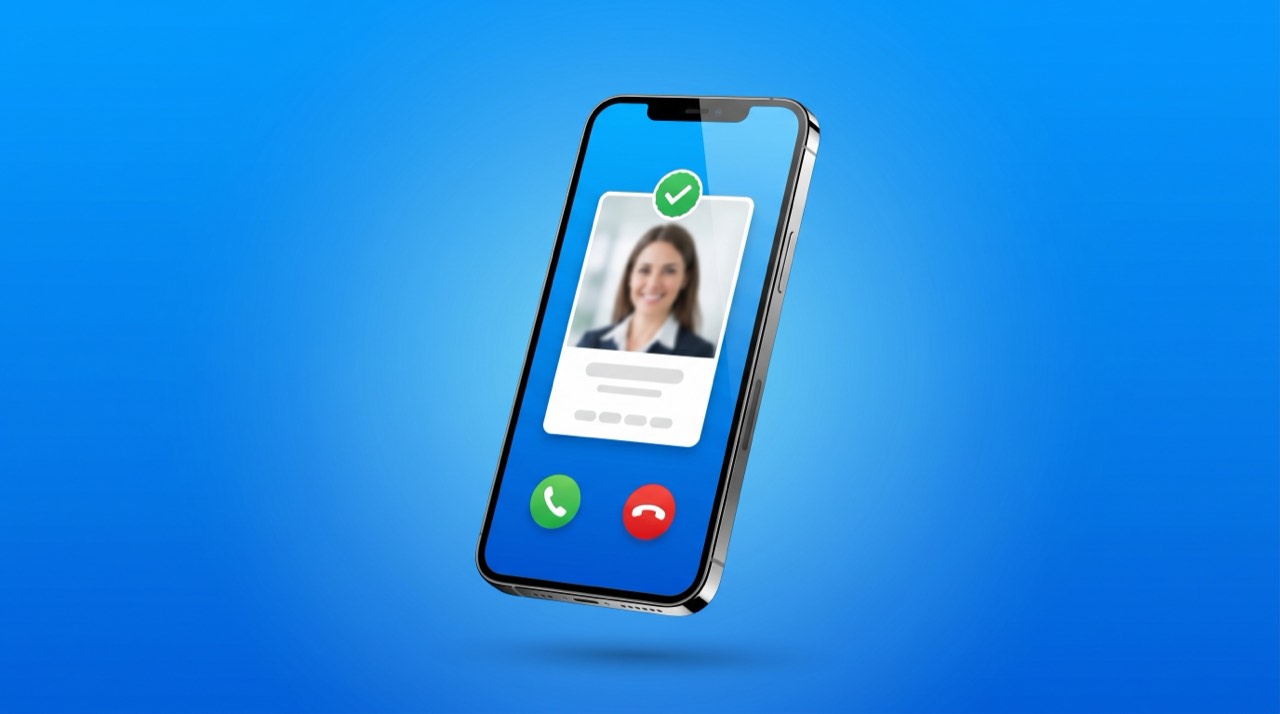
Turkcaller puts a card on screen as the phone starts ringing. The card carries:
So before you answer you have a short summary, not a bare name.
Ask what happens on a weak connection, too. In Turkcaller a slow lookup never interrupts the call: the phone keeps ringing and the card appears as soon as the answer is ready.
The word spam next to a number means little on its own. What matters is who put it there, because a warning that hides its source is hard to act on.
Turkcaller uses two sources together. The first is the community: people who receive a nuisance call report the number, and the running total appears on the caller card. The second is a business record set built around Turkey, so banks, delivery firms and clinics are recognised by their real names.
So you can judge how solid a name is, each one carries a coloured seal:
| Seal | Who carries it |
|---|---|
| Gold | Premium members |
| Blue | Business records we check ourselves |
| Green | Verified members |
| Grey | A name suggested by the community |
Read a grey seal as a hint. Gold, blue and green mean the identity was confirmed, so you decide how far to trust the name.
An app that filters messages sees your whole inbox: bank alerts, verification codes, private conversations. The question is not how well it sorts them, but where your message text goes to be sorted.
By default Turkcaller classifies messages on the phone itself, and the spam decision is made by code running on your device. If you switch on server assisted analysis, the message text is sent to our server for classification. You can turn that off again in Protect at any time.
To move filtered messages into their own folder, Turkcaller asks to be your default messaging app. That choice is yours, and it is reversible.
Caller ID can work in two shapes: a small card over an incoming call, or the whole calling screen.
Short advice: if you are happy with your phone app, keep it, and Turkcaller works beside it. If you would rather have the keypad, call history and contacts in one place, make Turkcaller your default phone app.
When it is the default, caller information appears inside the calling screen rather than on a card above it. The choice is made during setup and can be changed later.
When a phone is lost, the painful part is rarely the hardware. It is the hundred numbers you collected over ten years and never wrote down anywhere else.
Turkcaller backs up your contact list and restores it on the new phone: sign in with the same account and your contacts are waiting. Backed up names and numbers also help answer "whose number is this"; you can turn backup off and delete everything at any time.
Restoring is short: install Turkcaller on the new phone, sign in with the same account, tap restore. Your contacts are in place within a few minutes.
When any app advertises backup, check the other half of the promise, because saving a copy is easy and getting it back is where the value sits.
There are two language questions here: the interface you tap every day, and the database behind it, which speaks in the numbers, prefixes and business names of one particular country.
Turkcaller ships in 44 interface languages, Turkish among them, and its database is built around Turkey, so corporate lines, local businesses and region details used in Turkey come back with a name.
The fastest test costs nothing: look up three companies you call often. If the names are right, the database knows your country.
The real free tier question is whether your phone is protected before you pay. If the protection itself sits behind a subscription, you are not getting what the store page described.
Turkcaller is free with ads and gives you a daily allowance of manual lookups.
One detail matters: manual lookups and caller recognition on incoming calls come off two separate counters. Even after the day's manual lookups are gone, your phone still names the person calling you. Protection stays on.
We set that daily number and it changes from time to time; the app always shows the one you have today.
Premium adds:
In Turkey, Premium is 199,99 TL per month. The price differs by country, and the amount for yours is shown on the purchase screen.
| What | Free | Premium |
|---|---|---|
| Ads | Shown | None |
| Daily lookups | A set number each day (shown in the app) | 100 per day |
| Caller ID on incoming calls | Works | Works |
| Who looked me up | You check it in the app | Arrives as a notification |
| Incognito search | Off | On |
| Calling screen | Standard | Gold theme |
Whichever app you are looking at, know the answers to these six questions before you install. Two of the eight, the calling screen and the language, are a matter of taste. These six are not.
You can run all six against Turkcaller on your own phone. Install it from Google Play, grant the call screening role, and allow the caller card to show over other apps. Setup takes a few minutes and the free version works from day one.
Turkcaller installs free and is supported by ads. It gives you a daily allowance of manual lookups; caller recognition on incoming calls is separate from that allowance, so the name still appears when your phone rings even after the day's lookups are used up.
Type the number into the search box in the app, and you get a registered name, business details and how many people have reported that number. If the number called you, the same information is already on screen while the phone rings.
Four things decide it: which permission it needs to name a caller, whether the name arrives while the phone is ringing, where your message text is examined, and whether protection stays on in the free version. Turkcaller states what it does on all four, and you can test it on your own phone in a few minutes.
Turkcaller works without it. The incoming number arrives through the Android permission that hands a number to an app while the phone is ringing (the call screening role), so your call log stays out of it.
Yes. Manual lookups and caller recognition on incoming calls come off two separate counters, so once the day's manual lookups are used up your phone still shows the caller name when it rings.
Only when server assisted analysis is switched on. With it off, classification runs on the device and the text stays there; you can check and change that setting in Protect.
No ads, 100 lookups per day, a notification when someone looks your number up, full names, a gold badge with a gold themed calling screen, and incognito search. In Turkey it is 199,99 TL per month, and the price differs by country.
Yes. The people who called or looked up your number appear in the app, and Premium members get a notification as it happens. Premium incognito search also keeps your own lookups off the other person's list.
Yes. Turkcaller backs up your contact list and restores it once you sign in with the same account on the new device, so you retype nothing. Backed up names and numbers also help answer "whose number is this", and you can turn backup off and delete everything at any time.
Turkcaller is an Android app built on a database focused on Turkey: a caller card that appears while the phone rings, community reports behind every spam warning, message filtering that runs on the device by default, and contact backup. The free version is ad supported with a daily lookup allowance, and caller ID on incoming calls runs off a separate counter. Install it from Google Play and let the next unknown number introduce itself.
App StoreGoogle Play TürkCaller